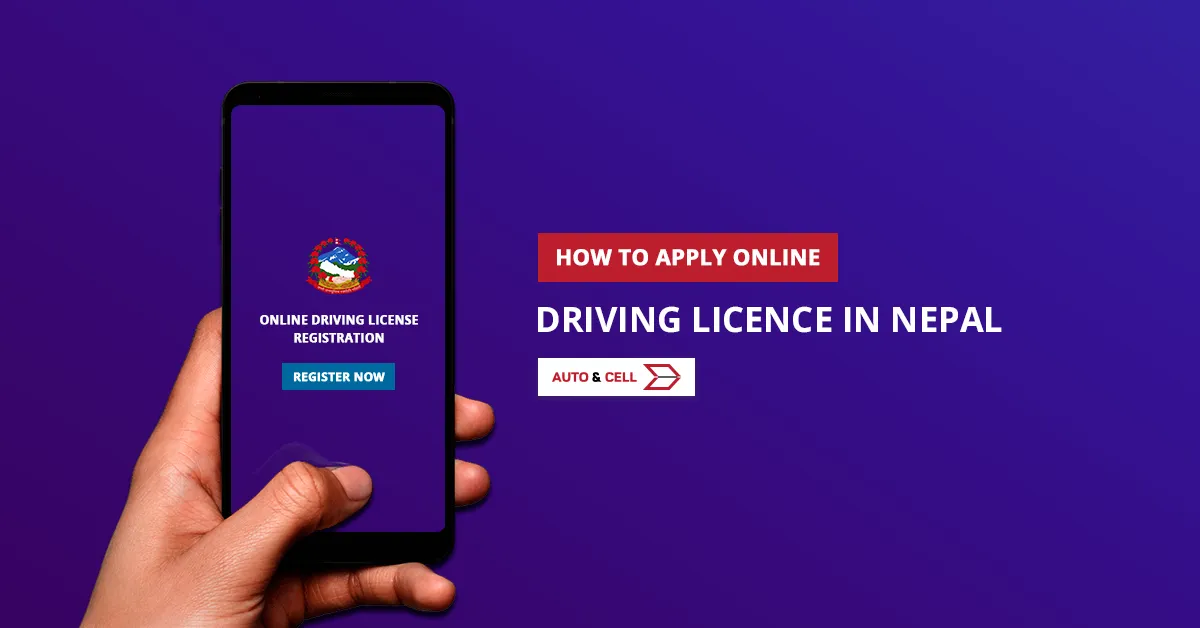
How to Apply for License here in Nepal
The process in brief:
- Fill the online form from DOTM website. You'll get a verification page along with time. In case the page doesnot open, wait until the DOTM Server is up. We see most problem with DOTM website caused by a lot of triffic at same time. The problem possibly seen for the few days after DOTM open up registration. And you won't be able to fill mannal form these days. List of License Issue Office for Bagmati Zone are: Jagati-Bhaktapur, Thulobharayang-Kathmandu, Chabhil-Kathmandu, and Bagmati-Lalitpur.
2. Print the confirmation page and take along your national identity card (citizenship) and visit the DOTM office. The date of visit is mentioned on the confirmation page.
3. Your citizenship, as well as biometric details, will be recorded there. Once done you'll be advised to get your eyes and blood group checked. (Eyes and blood test service is available near DOTM office).
4. Now you should pay Nrs.500 for a written exam. Usually, the exam is the next day at 7:00 am. In case you have any license (bike, car, or any) and applying for add category like a car, you don't need to take the written exam. In a general, sense, if you have a vehicle license you don't need to attain a written exam.
5. Once you pass the exam you will be able to attend for vehicle trial the next day (bike or car or any you intend to apply for). They'll inform you where and when to attend. Bike on rent costs Rs.50 and Rs.500 for car hire at the trial center.
Check Sample Layout for Trial:
6. Once you pass the trial you should visit the DOTM office and pay revenue Rs.1500 after 10 working days (In case of a new license). To add a category you just need to pay Rs.500. You'll receive a payment slip along with your license number. Also, they'll inform you about approx time to collect your license. Till then you will be able to run the vehicle using the payment slip (Rajaswa Paper).
7. Visit DOTM Office with a slip in the time mentioned. The slip works as a license temporarily. You'll have your driving license soon.
Driving License Issue Information and Written Exam Result
Here is the process to get the driving license issue information:
- Forward an SMS/message LC<space>Applicant ID to 31003
You will get a reply if your licences are printed ready or not.
For the written exam result of driving license, You need to
- Forward an SMS/message WT<space>Applicaton ID to 31003
Likewise, you will get the update of you passing or failing in written test.
Your total cost
Rs.500 for the exam fee.
Rs.100 approx for eye and blood test.
Rs.50 bike charge in the trial and for the car Rs.500.
Rs.1500 to be paid after you pass all exams [For new Licence].
Rs.500 to be paid for [Add Category]
Grand Total: Approx. Rs. 2150/-
Don't forget to take your Citizenship, Licence (In case of Add Category), Passport Size Photo, Driving School Certificate for Cars and other heavy vehicles, Blood Group Card, and Some Extra Cash just in case.
Driving License Online Registration Rules
-
Opening time of online form registration: 24/7
-
Form is registered only if there is a quota available
-
Quota allocated maximum for one week (Sunday,Monday,Tuesday,Wednesday - Biometric Date)
-
Category and Mobile Number fields are mandatory and non-editable
-
Re-Registration After expiry of appointment date of Transport Management Office visit will be allowed only after 15 days
-
Re-Registration will be allowed only after 90 days in the case of exam failure
-
Applicants can check the application as well as license status through CHECK STATUS button
-
To know about written exam result, type following information and send to number 33001 from mobile
WT <space> <Applicant ID>
where <Applicant ID> is a number assigned after Bio-metric -
To know about Smart Card Printed or not, type the following information and send to the number 33001 from mobile
LC <space> <Applicant ID>